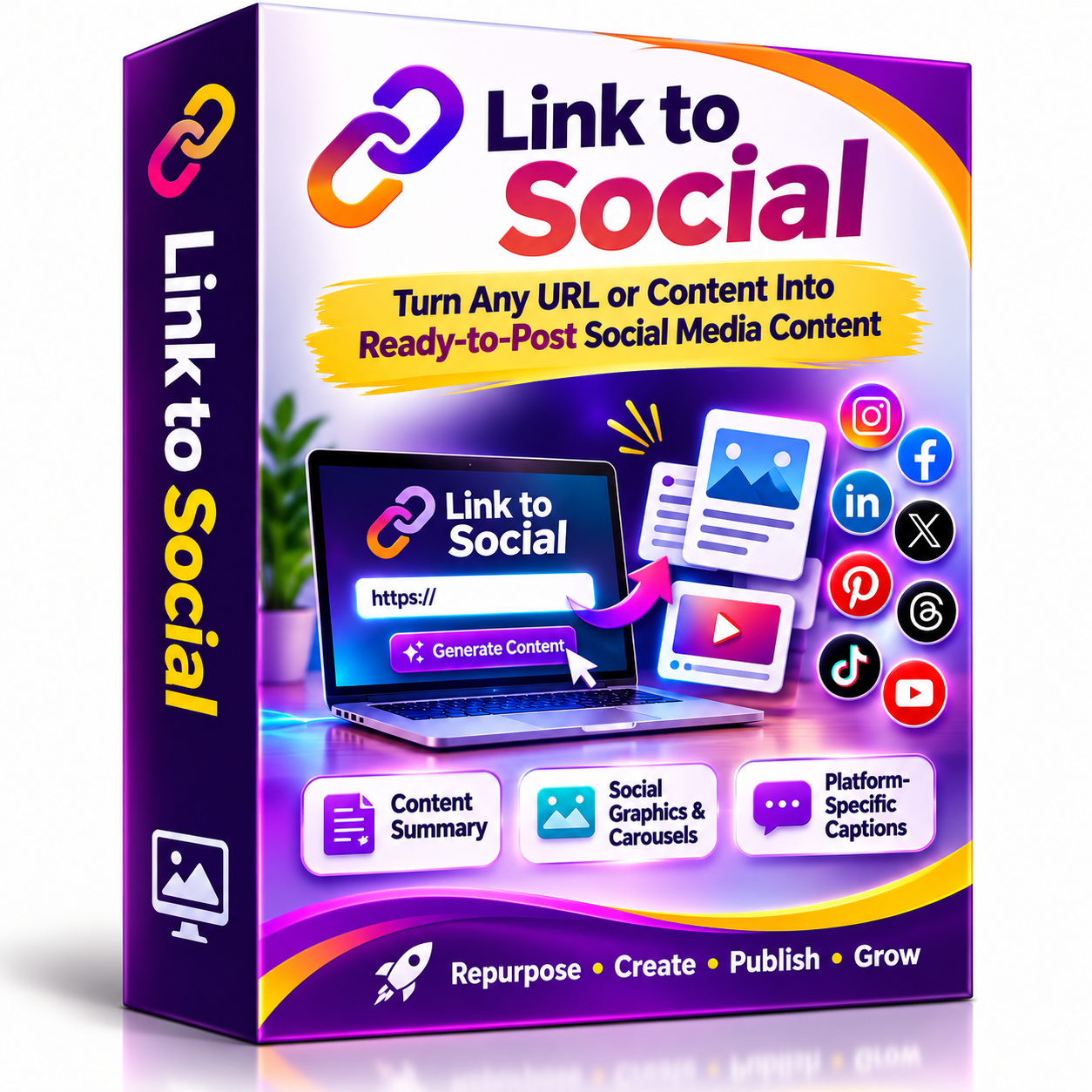
Link to Social GPT
Link to Social turns URLs, articles, videos, and pasted content into ready-to-publish social media assets. Generate content summaries, graphic and carousel concepts, individual visuals, and platform-specific captions for Instagram, Facebook, LinkedIn, X, Pinterest, Threads, TikTok, and YouTube Community. Simplify content repurposing with a guided AI workflow designed for creators and marketers across multiple social channels.
Link to Social – AI-Powered Social Media Content Creator
Turn Any URL Into Ready-to-Publish Social Media Content, Graphics & Captions!
Struggling to create fresh social media content consistently?
Have you ever found an interesting article, blog post, YouTube video or product page and wished you could quickly transform it into engaging social media posts?
Introducing Link to Social, an AI-powered social media content creation assistant that transforms existing content into ready-to-publish social media materials.
Simply provide a URL, article, video, newsletter, landing page or even pasted text. Link to Social analyzes the source and transforms its key information into engaging social media content, creative graphic concepts, individual promotional images and platform-specific captions.
Instead of starting every post from a blank page, you can repurpose content you already have into multiple social media formats.
What Can Link to Social Do?
1. Transform URLs Into Social Media Content
Give Link to Social a URL or source material, and it will extract the important information and identify the most useful content angles.
It can work with:
-
Articles and blog posts.
-
Landing pages and product pages.
-
Sales pages.
-
YouTube videos and video pages.
-
Webinar pages.
-
Podcast summaries.
-
Newsletters.
-
Educational content.
-
Case studies.
-
Pasted text and short notes.
2. Generate Content Summaries
Get a clear summary of the original content without having to manually rewrite everything.
The AI identifies:
-
The main topic and central message.
-
The strongest content hook.
-
Three to five key takeaways.
-
Important statistics and quotes when available.
-
Target audience.
-
Intended call to action.
-
Potential social media content angles.
3. Create Social Media Graphics
Turn your content into visually engaging social media graphics.
Link to Social develops creative graphic concepts and generates actual individual images with relevant headlines, supporting text and optional calls to action.
The graphics are designed with:
-
Bold, attention-grabbing headlines.
-
Clear visual hierarchy.
-
High-contrast colors.
-
Mobile-friendly typography.
-
Professional layouts.
-
Modern, polished visual styles.
4. Generate Social Media Carousels
Have multiple valuable points to communicate?
Transform your content into structured social media carousels.
The default carousel structure includes:
-
Attention-grabbing hook.
-
Problem or context.
-
Key takeaway.
-
Additional insight.
-
Final takeaway or call to action.
For richer content, the system can generate up to seven slides when useful.
Each slide is designed as an individual image, making it easy to publish as a carousel.
5. Create Platform-Specific Captions
Get captions written according to the selected social media platform.
The system adapts the writing style, length, hooks, calls to action and hashtags to suit each platform.
Supported platforms include:
-
Instagram.
-
Facebook.
-
LinkedIn.
-
X (Twitter).
-
Pinterest.
-
Threads.
-
TikTok.
-
YouTube Community.
6. Choose Your Preferred Graphic Style
Customize the visual appearance of your social media graphics.
Available styles include:
-
Clean Modern.
-
Dark Premium.
-
Bold Influencer Style.
-
Minimal Editorial.
-
Luxury Black and Gold.
-
Bright Viral Creator Style.
-
Tech/SaaS.
-
Custom Style.
You can choose a visual direction that matches your content and audience.
How Does It Work?
Creating social media content with Link to Social is simple.
Step 1: Choose Your Social Media Platform
Select the platform you want to create content for, such as Instagram, Facebook, LinkedIn, Pinterest or multiple platforms.
Step 2: Select Your Image Format
Choose from available formats:
-
Square Post.
-
Portrait Post.
-
Stories.
-
Carousel.
-
Pinterest Pin.
-
LinkedIn Document Carousel.
-
X Post Graphic.
-
Custom Size.
Step 3: Select Your Visual Style
Choose your preferred design style or provide your own custom visual direction.
Step 4: Submit Your Source Content
Paste your URL, article, blog post, video link or other supported content.
Step 5: Generate Your Content and Graphics
Link to Social analyzes the source and creates the content summary, graphic concepts, individual social media images and platform-specific captions.
Review your materials and prepare them for publishing.
Who Is Link to Social For?
This AI-powered content creation assistant is useful for:
-
Digital Marketers: Repurpose marketing content into social media materials.
-
Content Creators: Turn existing articles and videos into engaging posts.
-
Social Media Managers: Simplify the process of preparing social media content.
-
Bloggers: Convert blog articles into social media graphics and captions.
-
Affiliate Marketers: Transform product pages and promotional content into social media materials.
-
Business Owners: Maintain a consistent flow of content across social channels.
-
Freelancers and Agencies: Streamline social media content preparation for different projects.
-
Coaches and Educators: Convert educational resources into visual social media content.
Why Choose Link to Social?
Creating social media content doesn’t always mean creating everything from scratch.
You may already have valuable information in your blog posts, videos, newsletters, product pages and educational materials.
Link to Social helps you make better use of that existing content by transforming it into multiple social media assets.
Instead of manually summarizing articles, planning graphics and writing captions separately, you can follow one guided AI workflow.
One Source. Multiple Content Formats. More Ways to Share Your Message.
What’s Included?
Your purchase includes access to:
-
Link to Social custom AI GPT.
-
URL and source-content analysis.
-
Automatic content summaries.
-
Social media content planning.
-
Graphic and carousel concepts.
-
Individual AI-generated social media graphics.
-
Platform-specific captions.
-
Multiple social media platform options.
-
Multiple graphic formats and visual styles.
-
Guided content creation workflow.
Start Repurposing Your Content Today!
Stop letting valuable articles, videos and other content remain unused.
Turn your existing content into engaging social media graphics, carousels and captions with the help of Link to Social.
Get Link to Social today and simplify the way you create social media content!
0 Reviews
Unable to load reviews. Please try again later.
No reviews yet. Be the first to write a review!
Related Products
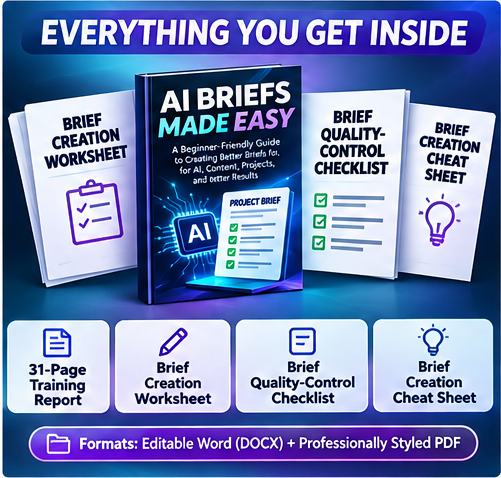
AI Briefs Made Easy
AI Briefs Made Easy helps you create clearer instructions before using AI tools. Learn to structure project goals, audience, tone, deliverables and expectations for better content, prompts, designs and project outcomes. Includes a 31-page beginner-friendly report, editable Word and PDF files plus a worksheet, checklist and cheat sheet to put what you learn into practice.
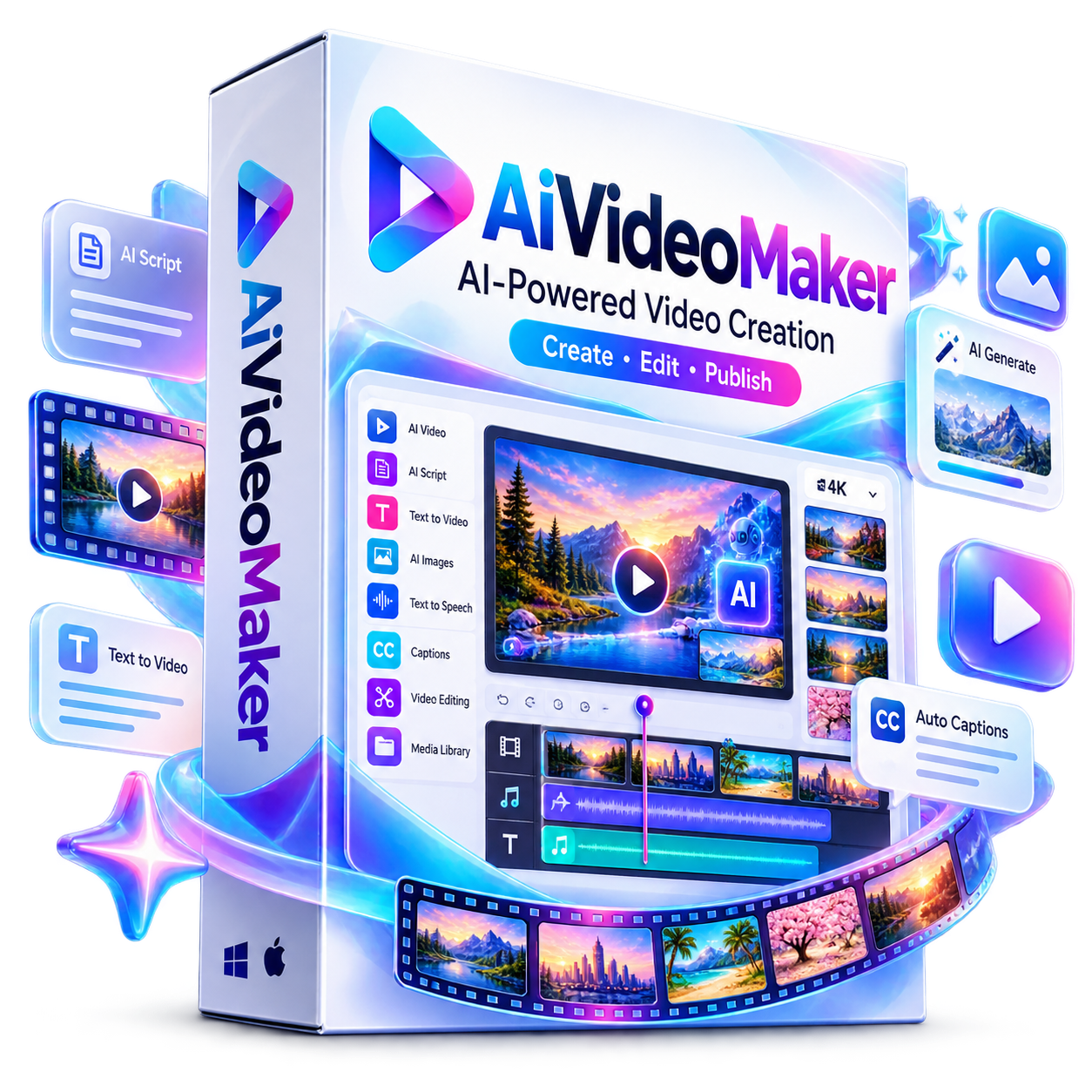
AI Video Maker
AiVideoMaker is an AI-powered video creation platform that transforms keywords, text, or URLs into engaging videos in minutes. Create scripts, storyboards, visuals, voiceovers, captions, and polished videos without editing expertise. With AI generation, stock media, templates, music, multiple formats, branding tools, and commercial rights, it helps creators and businesses produce content faster.
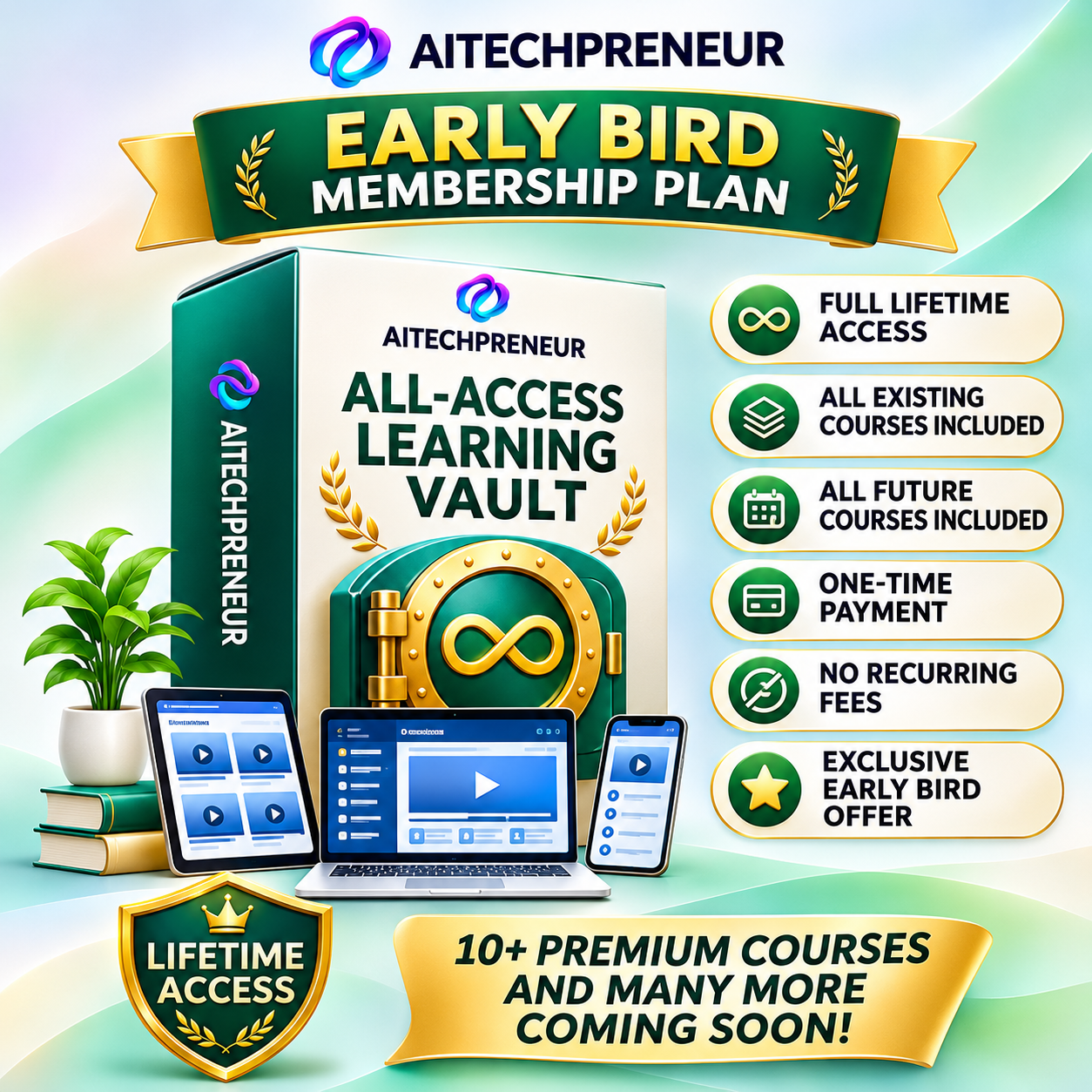
Aitechpreneur All Access Learning Vault
Join the Aitechpreneur Membership at just ₹.1299/-. Available only for a limited time during the Launch Offer.
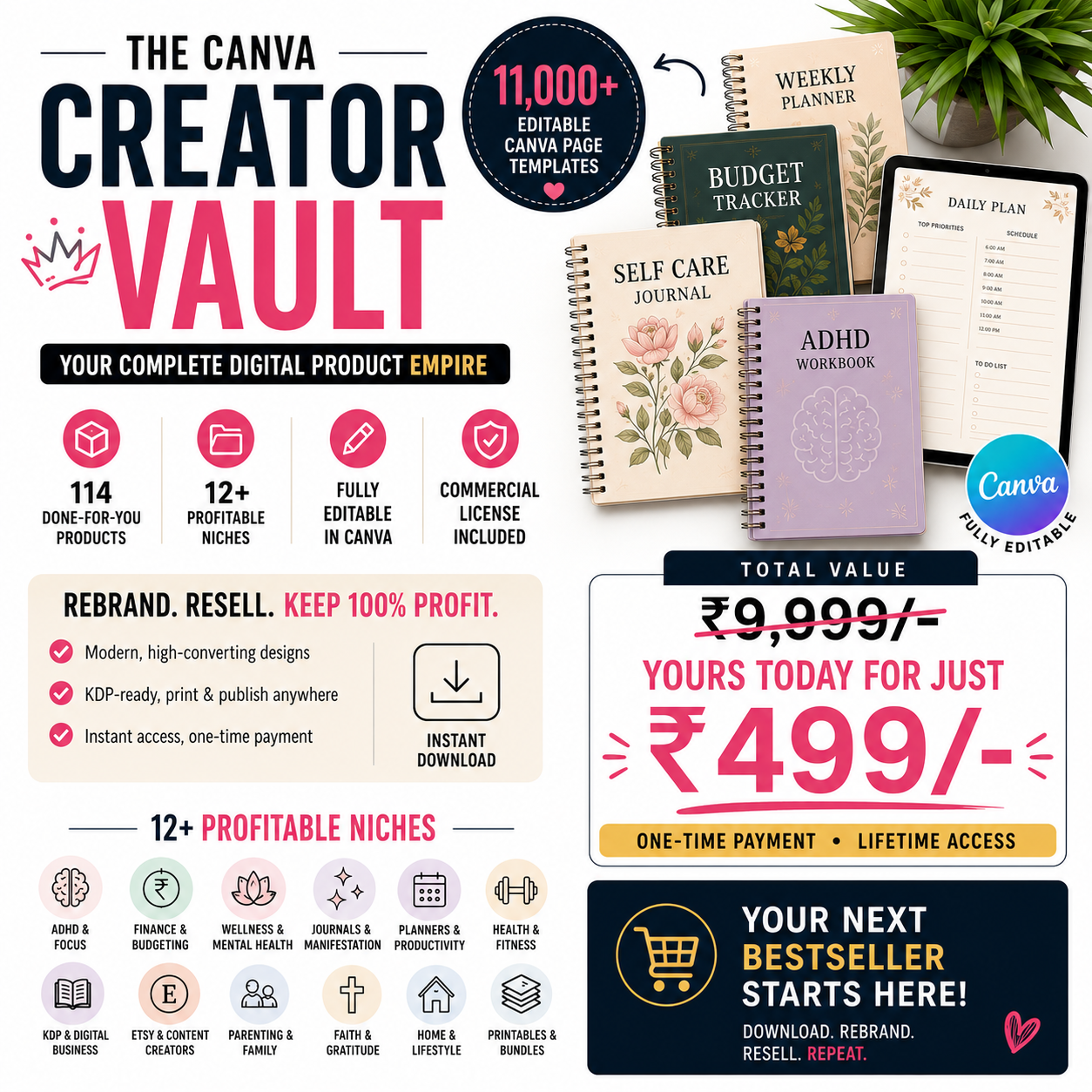
Canva Creator Vault
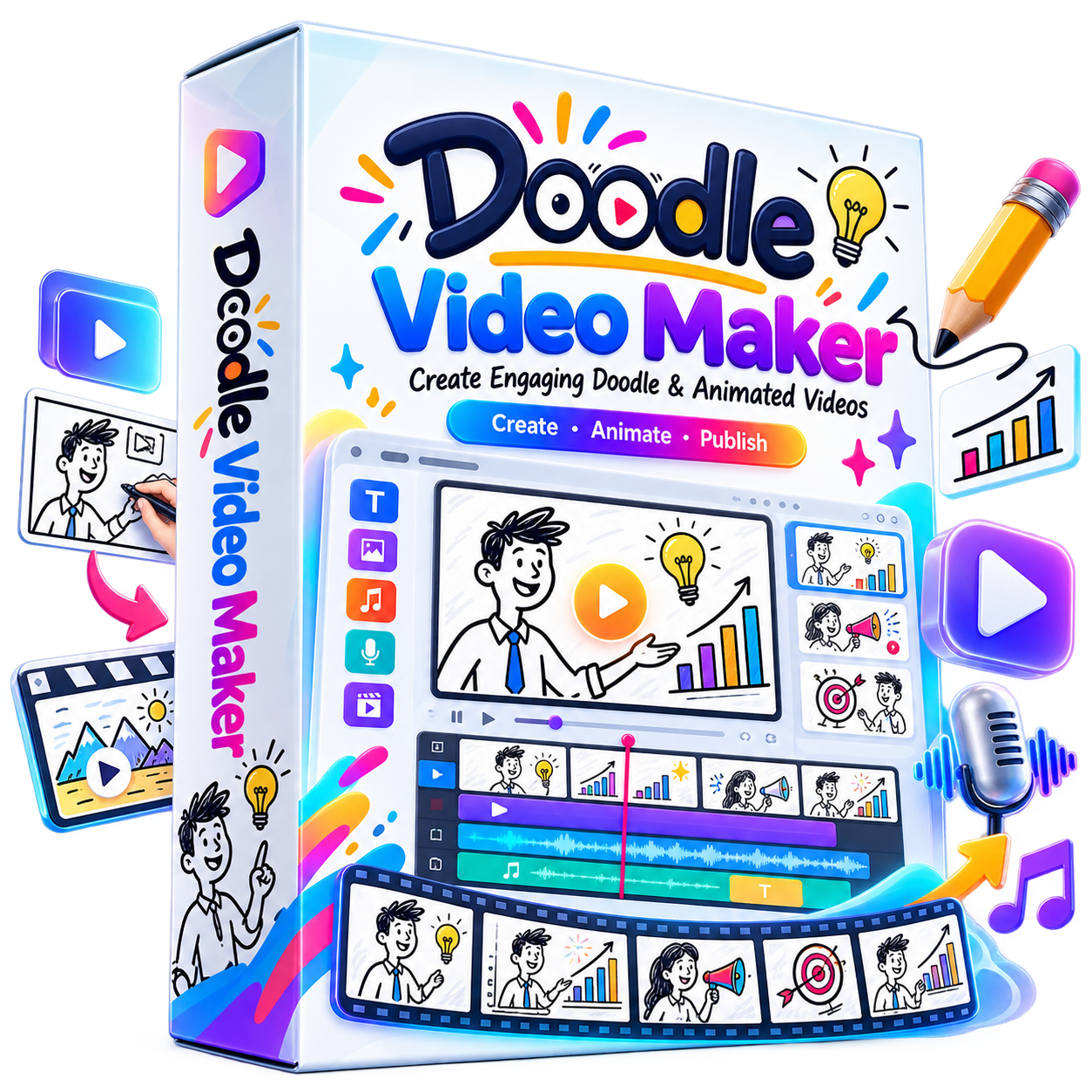
Doodle Video Maker
Doodle Video Maker is an AI-powered video creation platform for producing engaging doodle and animated videos without complex editing skills. Create unlimited Full HD videos, convert content into doodle animations, use multilingual voices, remove photo backgrounds, access ready-made templates, music and creative assets, and create client videos with commercial rights—all from one platform.
Google Ads Fundamentals
Learn Google Ads


