AI Video Maker
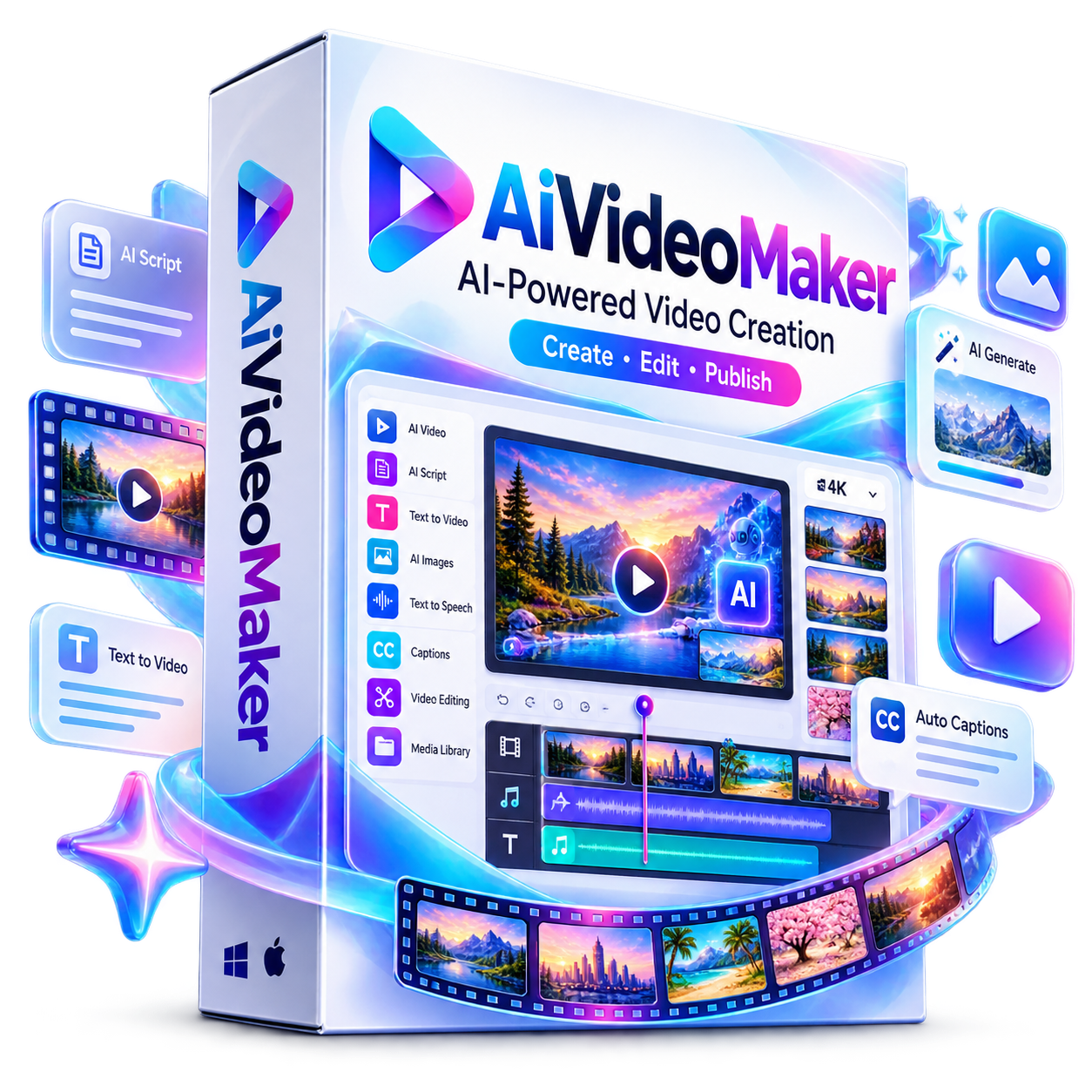
AiVideoMaker is an AI-powered video creation platform that transforms keywords, text, or URLs into engaging videos in minutes. Create scripts, storyboards, visuals, voiceovers, captions, and polished videos without editing expertise. With AI generation, stock media, templates, music, multiple formats, branding tools, and commercial rights, it helps creators and businesses produce content faster.
AiVideoMaker – Create Professional Videos With AI
Turn ideas into engaging, professional-looking videos without spending hours writing scripts, searching for visuals, recording voiceovers, or learning complicated editing software.
AiVideoMaker is an all-in-one AI-powered video creation and editing platform designed to help creators, marketers, freelancers, agencies, businesses, educators, and entrepreneurs produce high-quality video content faster.
Simply start with a keyword, idea, URL, or text and let AI help transform it into a complete video project.
Turn a Simple Idea Into a Video
Creating video content traditionally involves multiple steps:
Idea → Script → Visuals → Voiceover → Editing → Captions → Music → Export → Publishing
AiVideoMaker brings these capabilities together in one streamlined platform.
Generate your content, customize it with the intuitive editor, add your branding, preview the result, and export your finished video.
AI-Powered Video Creation
Create videos from a simple keyword using AI.
AiVideoMaker can help you:
-
Generate video ideas
-
Write original scripts
-
Build video storyboards
-
Create scenes automatically
-
Select or generate visuals
-
Add AI voiceovers
-
Add music
-
Generate captions
-
Assemble your video
-
Customize the final result
This makes video creation considerably easier for users who don’t have professional editing experience.
URL & Text-to-Video Creation
Have existing content you want to turn into video?
Use the URL/Text-to-Video capabilities to transform written content or online information into engaging video content.
Repurpose:
-
Blog posts
-
Articles
-
Written content
-
Marketing copy
-
Educational material
-
Product information
-
Other text-based ideas
into video content that can be customized and published across different platforms.
AI Script Writing
Don’t know what to say?
AiVideoMaker can generate scripts based on your topic and intended content.
Create scripts for:
-
Social media videos
-
Educational content
-
Promotional videos
-
Product videos
-
Informational videos
-
Storytelling content
-
Marketing videos
-
Short-form content
This helps eliminate one of the biggest bottlenecks in consistent video production.
AI Storyboard Builder
Plan your video automatically with the AI-powered storyboard feature.
AiVideoMaker can help organize your content into scenes and suggest an appropriate visual flow, making it easier to understand how your finished video will look before you export it.
AI Image Generation
Create custom visuals directly within your video workflow using AI.
Instead of relying entirely on existing images, generate visuals tailored to your topic, concept, or creative direction.
You can also combine AI-generated visuals with stock media to create more engaging and varied videos.
Massive Stock Media Library
Access a large collection of stock creative assets from within the platform.
The platform supports access to millions of:
-
Stock images
-
Stock videos
-
GIFs
-
Graphics
-
Shapes
-
Stickers
-
Other visual elements
Search for the right asset and incorporate it into your project without constantly switching between different platforms.
Emotion-Based AI Voiceovers
Give your videos natural-sounding voiceovers using AI-powered text-to-speech.
Choose from available voices and accents and customize voice characteristics such as:
-
Voice selection
-
Emotional tone
-
Pitch
-
Speed
Create voiceovers without microphones, recording equipment, studios, or hiring voice talent for every project.
AI-Powered Music
Add music to your videos with built-in music capabilities.
Choose suitable audio for your content and create videos with a more polished and engaging presentation.
150+ Ready-to-Use Templates
Don’t start every video from scratch.
AiVideoMaker includes 150+ templates designed for different types of content, including:
-
Ads
-
Promotional videos
-
Social media content
-
Vlogs
-
Business videos
-
Marketing campaigns
-
Other creative projects
Customize templates to match your content, style, and branding.
Drag-and-Drop Video Editor
When you want more control, use the intuitive drag-and-drop editor.
Move, duplicate, group, reorder, and customize your video elements with ease.
The editor includes extensive customization capabilities for:
-
Text
-
Images
-
Video clips
-
Shapes
-
Layers
-
Animations
-
Captions
-
Audio
-
Transitions
-
Branding elements
Vibe Editing
AiVideoMaker makes editing even easier with AI-assisted Vibe Editing.
Instead of manually searching through complicated editing controls, describe what you want to change.
For example:
“Add a zoom effect.”
“Make the introduction slower.”
“Add energetic music.”
“Make the captions more prominent.”
The AI-assisted editing approach helps simplify common video editing tasks.
Dynamic Captions
Automatically generate captions synchronized with your video and voiceover.
Customize:
-
Fonts
-
Colors
-
Alignment
-
Animation
-
Caption styles
-
Text appearance
Dynamic captions can make videos easier to follow while helping creators produce content suitable for viewers who watch without sound.
Professional Transitions & Animations
Make scene changes more engaging with a collection of transition and animation effects.
Create smooth visual movement using effects such as:
-
Fade
-
Slide
-
Blur
-
Zoom
-
Pan
-
Motion effects
-
Other transition presets
Add animations to text, images, shapes, and other elements to create more dynamic videos.
Portrait & Horizontal Video Formats
Create content for different platforms and viewing experiences.
AiVideoMaker supports formats suitable for:
-
Instagram Reels
-
TikTok
-
YouTube Shorts
-
Facebook
-
YouTube
-
Other portrait and landscape video applications
Create vertical videos for short-form platforms or horizontal videos for widescreen content.
Multi-Language Support
Reach audiences beyond a single language.
AiVideoMaker supports multiple languages across its content creation workflow, including text and voiceover capabilities.
This makes it useful for creators and businesses targeting international or multilingual audiences.
Branding Tools
Keep your videos consistent with your brand.
Add:
-
Logos
-
Watermarks
-
Lower thirds
-
Badges
-
Promotional banners
-
Calls-to-action
-
Subscribe buttons
-
Other overlay elements
Create branded videos that look consistent across your content library.
500+ Fonts
Choose from a large collection of fonts and customize your typography.
Adjust:
-
Font style
-
Size
-
Color
-
Alignment
-
Text appearance
-
Styling
Create typography that matches your brand or the tone of each video.
Real-Time Preview
See your changes as you work.
The real-time preview allows you to review your video before exporting so you can make adjustments to scenes, timing, text, visuals, audio, transitions, and other elements.
Background Removal
Remove image or video backgrounds with a simple workflow.
This can be useful for creating:
-
Product videos
-
Promotional graphics
-
Presenter-style content
-
Social media creatives
-
Branded videos
-
Marketing materials
Cloud-Based Video Creation
AiVideoMaker is designed for cloud-based access, allowing you to work without relying on traditional desktop-only video editing software.
Create and edit your projects without installing a large video-editing application on your computer.
Direct Social Publishing
Move from video creation to distribution more efficiently.
AiVideoMaker supports direct social publishing capabilities for supported platforms, including Instagram and Facebook, helping reduce the number of tools needed between creating and publishing your content.
Commercial License
AiVideoMaker can also be useful for freelancers, agencies, marketers, and service providers.
With the commercial license, you can create videos for clients and use your video creation skills as part of a service offering.
Potential services include:
-
Social media video creation
-
Short-form video packages
-
Local business promotional videos
-
Real estate videos
-
Product promotional videos
-
Advertising creatives
-
YouTube Shorts production
-
Social media management
-
Branded content creation
You can create client deliverables and keep 100% of the profits you charge your clients, subject to the applicable license terms.
Who Can Use AiVideoMaker?
AiVideoMaker is suitable for:
Content Creators
Create more videos without spending hours on manual editing.
Social Media Managers
Produce consistent video content for multiple social platforms.
Digital Marketers
Create promotional videos, advertisements, product videos, and marketing content.
Freelancers
Offer video creation services without needing advanced professional editing skills.
Agencies
Build video production into your existing service packages.
Entrepreneurs & Small Businesses
Create promotional content without hiring a dedicated video production team for every project.
Course Creators & Educators
Turn educational concepts and written material into engaging video content.
Affiliate Marketers
Create product-focused and informational videos for promotional campaigns.
What Can You Create?
With AiVideoMaker, you can create:
-
YouTube videos
-
YouTube Shorts
-
Instagram Reels
-
TikTok videos
-
Facebook videos
-
Promotional videos
-
Product videos
-
Advertising creatives
-
Educational videos
-
Explainer videos
-
Business videos
-
Real estate videos
-
Social media content
-
Branded videos
-
Client videos
-
Marketing videos
-
Storytelling videos
-
Motivational videos
Key Features at a Glance
✓ AI Keyword-to-Video Creation
✓ URL & Text-to-Video
✓ AI Script Generation
✓ AI Idea Generator
✓ AI Storyboard Builder
✓ AI Image Generation
✓ Emotion-Based Text-to-Speech
✓ Multiple Voices & Accents
✓ AI-Powered Music
✓ 150+ Video Templates
✓ 100+ Premium Music Tracks
✓ 3M+ Stock Images, Videos, GIFs & Assets
✓ Drag-and-Drop Editor
✓ Vibe Editing
✓ Dynamic Captions
✓ Animation Effects
✓ Transition Presets
✓ Portrait & Horizontal Formats
✓ Multi-Language Support
✓ 500+ Fonts
✓ 30+ Ready-to-Use Text Blocks
✓ Advanced Layer Management
✓ Real-Time Preview
✓ Background Removal
✓ Branding & Watermarks
✓ Global Upload Library
✓ Direct Social Posting
✓ Cloud-Based Editing
✓ MP4 & HD Export
✓ Commercial License
Create More. Edit Less.
Video content is one of the most powerful ways to attract attention, educate audiences, promote products, build brands, and grow online.
But producing video consistently can be time-consuming and technically demanding.
AiVideoMaker simplifies the process by bringing AI creation, visual assets, voiceovers, editing, captions, templates, branding, and publishing capabilities together in one platform.
Whether you’re creating videos for yourself, your business, your audience, or your clients, AiVideoMaker gives you the tools to turn ideas into finished video content faster.
Turn Your Ideas Into Videos With AiVideoMaker.
Create. Edit. Brand. Publish.
All from one powerful AI-powered video creation platform.
0 Reviews
Unable to load reviews. Please try again later.
No reviews yet. Be the first to write a review!
Related Products
AI Briefs Made Easy
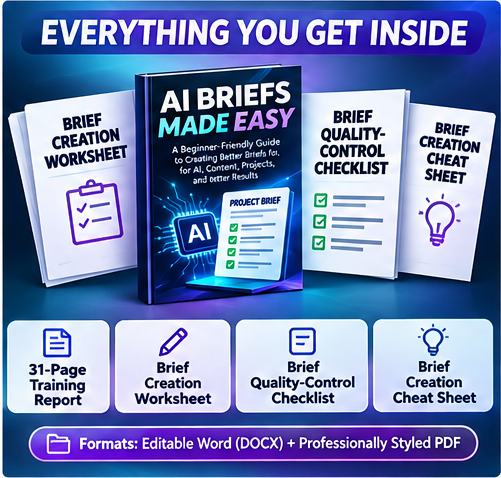
AI Briefs Made Easy helps you create clearer instructions before using AI tools. Learn to structure project goals, audience, tone, deliverables and expectations for better content, prompts, designs and project outcomes. Includes a 31-page beginner-friendly report, editable Word and PDF files plus a worksheet, checklist and cheat sheet to put what you learn into practice.
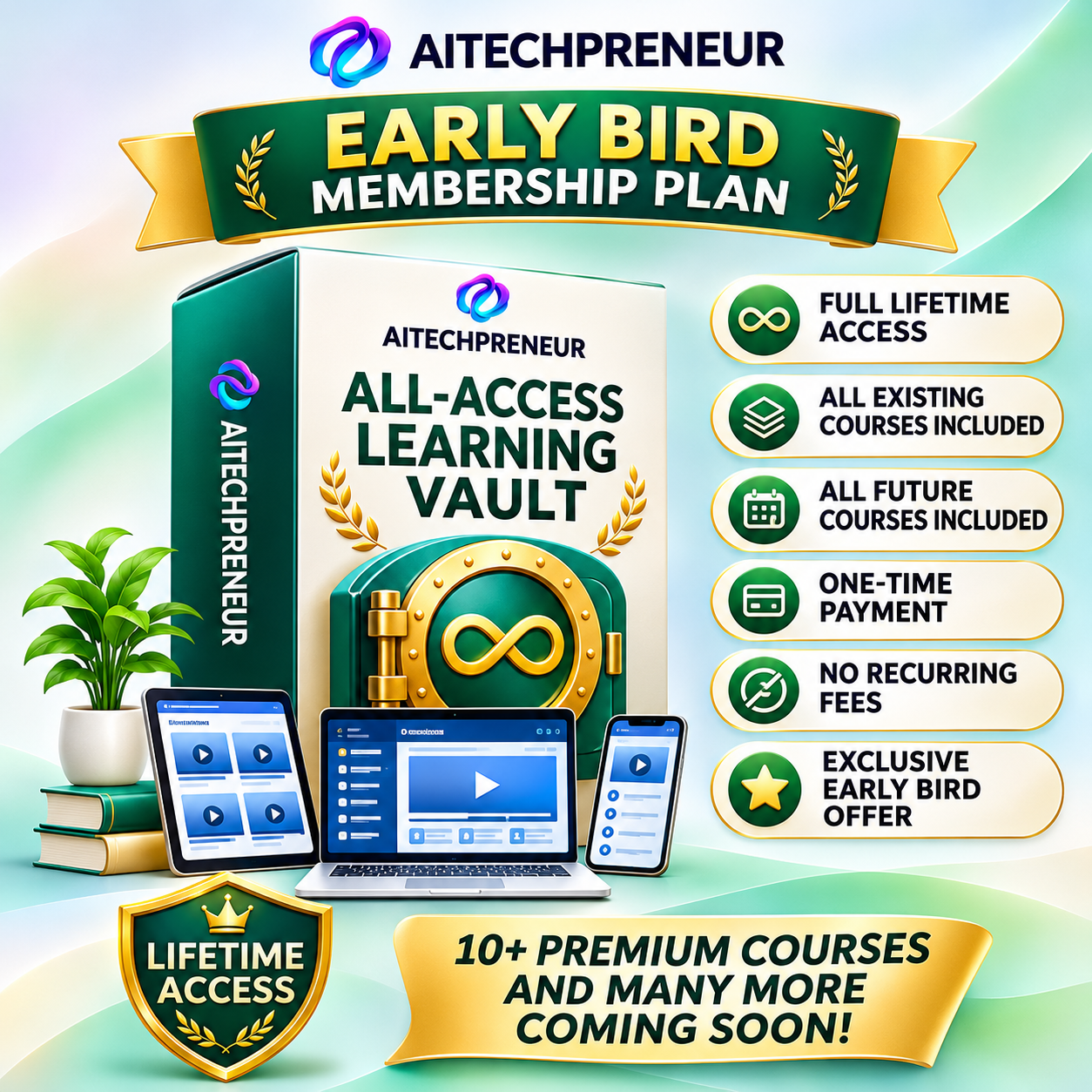
Aitechpreneur All Access Learning Vault
Join the Aitechpreneur Membership at just ₹.1299/-. Available only for a limited time during the Launch Offer.
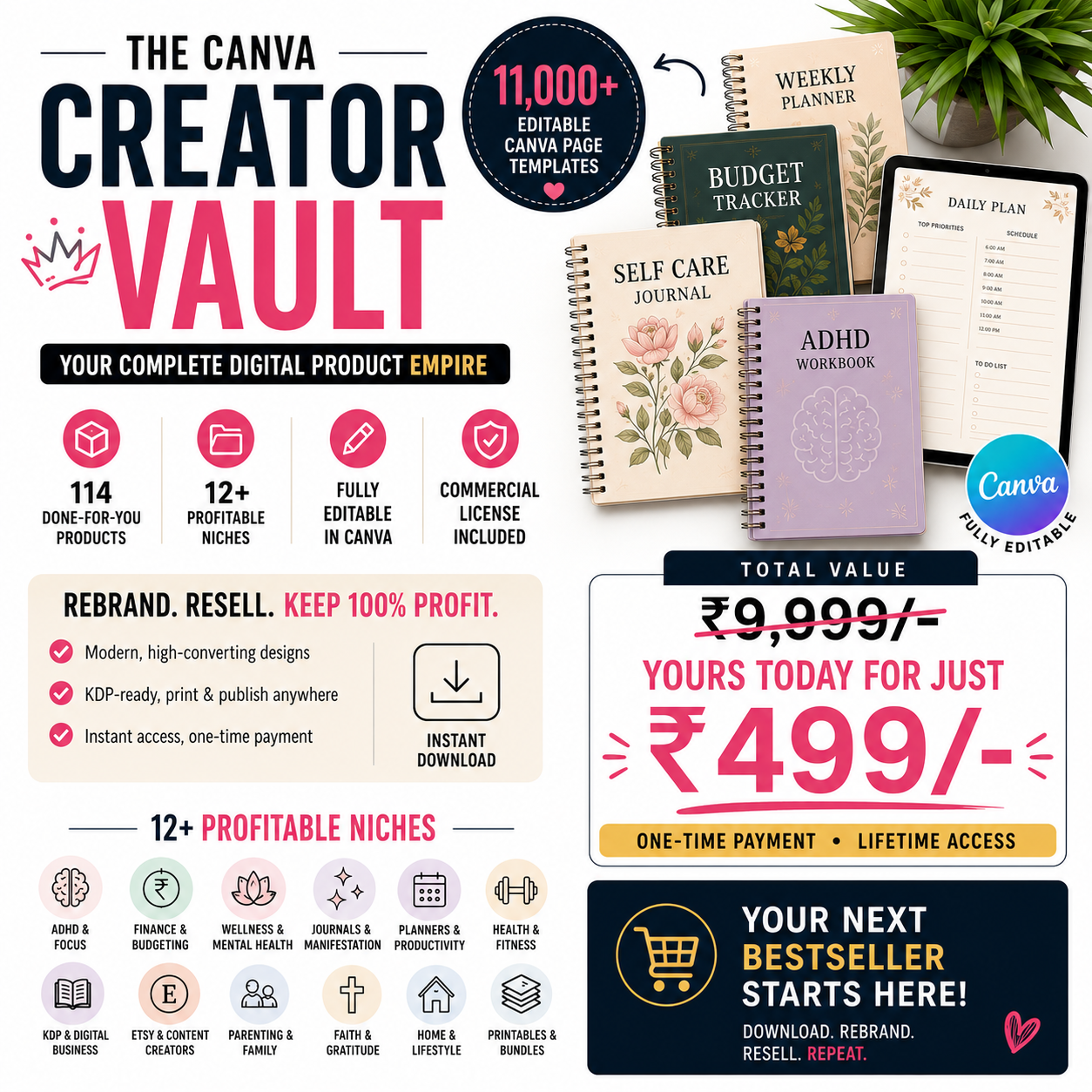
Canva Creator Vault
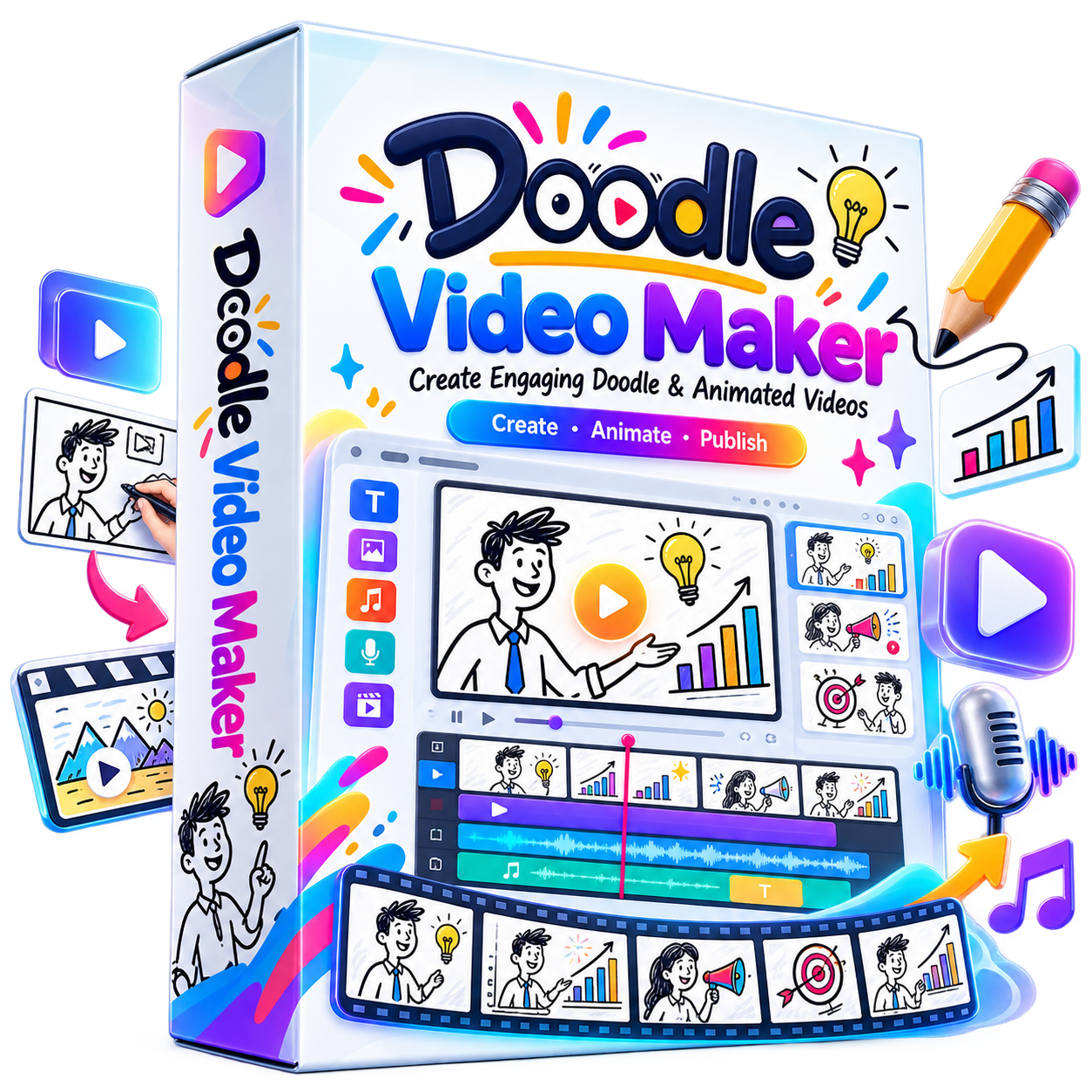
Doodle Video Maker
Doodle Video Maker is an AI-powered video creation platform for producing engaging doodle and animated videos without complex editing skills. Create unlimited Full HD videos, convert content into doodle animations, use multilingual voices, remove photo backgrounds, access ready-made templates, music and creative assets, and create client videos with commercial rights—all from one platform.
Google Ads Fundamentals
Learn Google Ads
Launch Your Own ECommerce Store
Learn how to launch your own ecommerce store.


